



OBD BASICS
What Does OBD Mean in a Car?
Learn what OBD stands for, how vehicle diagnostics work, and why OBD2 scanners are useful for modern drivers.
Read More →
Read & Clear Fault Codes | Real-Time Data | 8 Maintenance Services | Performance Testing
Advanced vehicle diagnostics designed for DIY drivers and automotive enthusiasts. Quickly identify problems, monitor vehicle health, and make smarter repair decisions.
Scan Engine, Transmission, ABS, and Airbag systems to quickly identify vehicle issues and pinpoint trouble codes.
Read detailed DTCs, freeze-frame data, and clear trouble codes after repairs to verify your vehicle is back in good condition.
Monitor real-time vehicle data including RPM, coolant temperature, battery voltage, speed, and ignition status.
Perform essential maintenance resets including EPB, SAS, BMS, Throttle Relearn, TPMS, ABS Bleeding, and Injector Coding.
Built with CAN FD support for newer vehicles, delivering reliable communication across a wide range of modern cars.
Automatically identify your vehicle with AutoVIN, then run AutoScan to generate a complete vehicle health report.
Compare GOOLOO diagnostic tools and choose the scanner that fits your repair needs.
A full-featured diagnostic tablet engineered for advanced DIY mechanics and professional shop use.
Shop DS600 NowFrom warning lights to routine maintenance, DS600 gives DIYers and home mechanics the information they need to make smarter decisions.
Find the cause behind dashboard warning lights.
Compare scans and verify repairs after maintenance.
Check I/M readiness before your emissions test.
Handle 9 common service functions with confidence.
Get started in seconds with simple plug-and-play setup. DS600 works with most OBD2-compliant vehicles from 1996 and newer.
Usually located under the dashboard near the steering wheel.
Connect the scanner directly to the OBD2 port — no app download, no complicated setup.
Run AutoVIN and AutoScan to quickly check supported systems and generate a complete vehicle health report.
▶ AutoVIN: 2021 Toyota Camry
✓ Engine: No faults
✓ Transmission: No faults
⚠ ABS: P0001 - 1 code found
Scan complete — 4 systems checkedSee how real users diagnose car problems with OBD scanners. Watch real reviews, hands-on tests, and step-by-step demos from trusted creators.
Real testing, setup experience, and diagnostic performance.
See how drivers use advanced diagnostics in daily repairs.

Explore scanning functions, live data, and service features.
Everything you need to know about GOOLOO OBD2 scanners.
An OBD2 scanner is a diagnostic tool that connects to your vehicle’s onboard computer to read diagnostic trouble codes (DTCs), monitor live data, and help identify potential issues. By accessing vehicle information, drivers and mechanics can better understand warning lights and vehicle conditions.
Most OBD2 scanners work with OBD2-compliant vehicles manufactured from 1996 and newer in the US. Compatibility may vary depending on vehicle brand, model, and available systems. Always check compatibility before purchase.
Yes. OBD2 scanners can read diagnostic trouble codes related to the check engine light and provide information to help identify possible causes. Advanced scanners can also display live data and additional system information.
Many OBD2 scanners can clear diagnostic trouble codes after repairs are completed. However, clearing a code does not repair the underlying issue. Always diagnose and fix the problem before resetting warning lights.
Basic scanners usually focus on engine diagnostics, while advanced OBD2 scanners can access additional systems such as transmission, ABS, airbag, and other vehicle modules.
Basic OBD2 scanners typically provide simple code reading and clearing functions. Advanced diagnostic scanners offer features such as full-system diagnostics, live data monitoring, service resets, AutoVIN, and more.
It depends on the scanner. Some Bluetooth-based scanners require a smartphone app, while standalone diagnostic tools include their own display and software. DS600 provides a built-in screen, wired connection, and lifetime free updates without requiring a mobile app.
When choosing an OBD2 scanner, consider compatibility, supported diagnostic systems, service functions, update policy, ease of use, and whether the tool meets your maintenance needs.
Explore helpful guides, tutorials, and tips to get the most from your vehicle diagnostics.
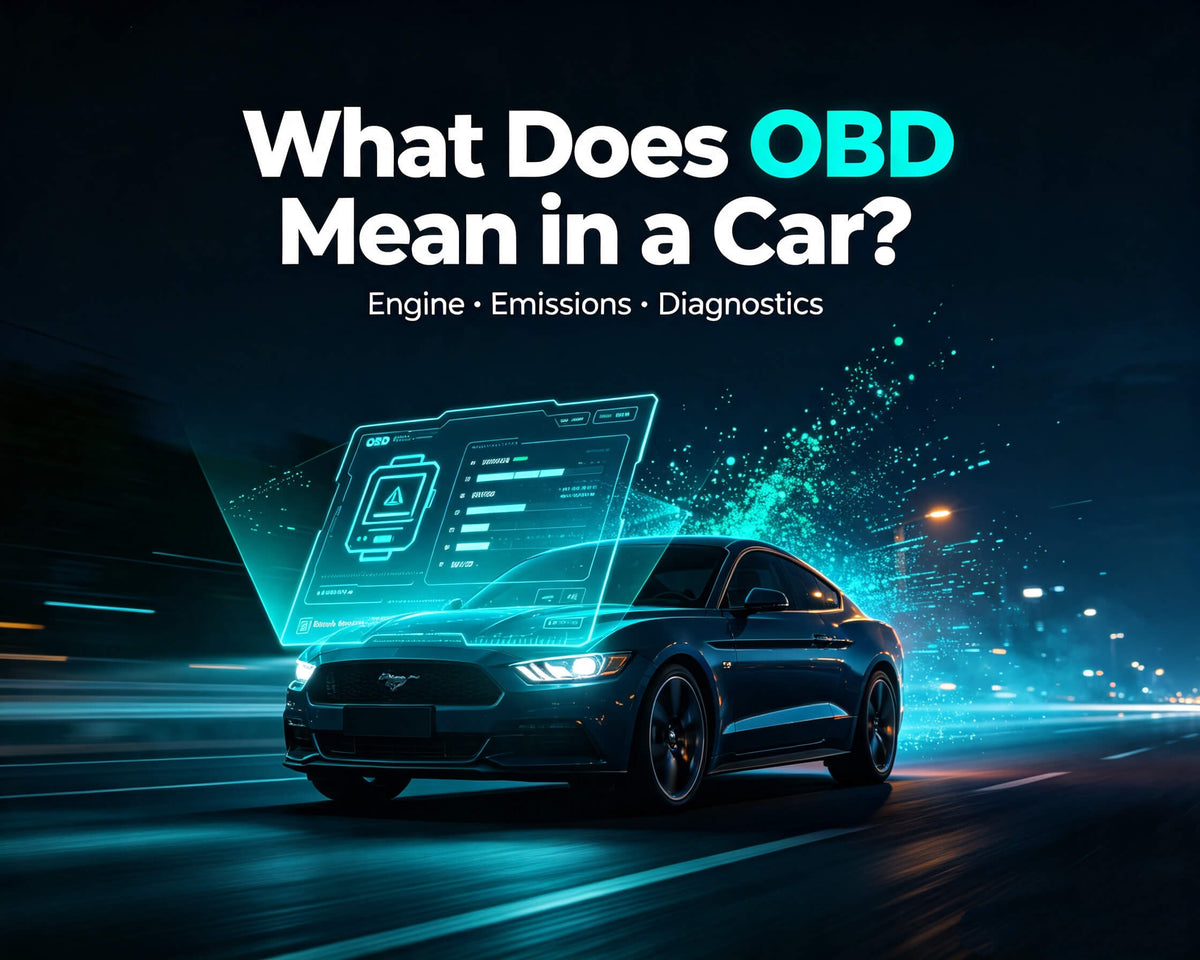
Learn what OBD stands for, how vehicle diagnostics work, and why OBD2 scanners are useful for modern drivers.

Follow a simple step-by-step guide to connect an OBD scanner, read fault codes, and check vehicle data.
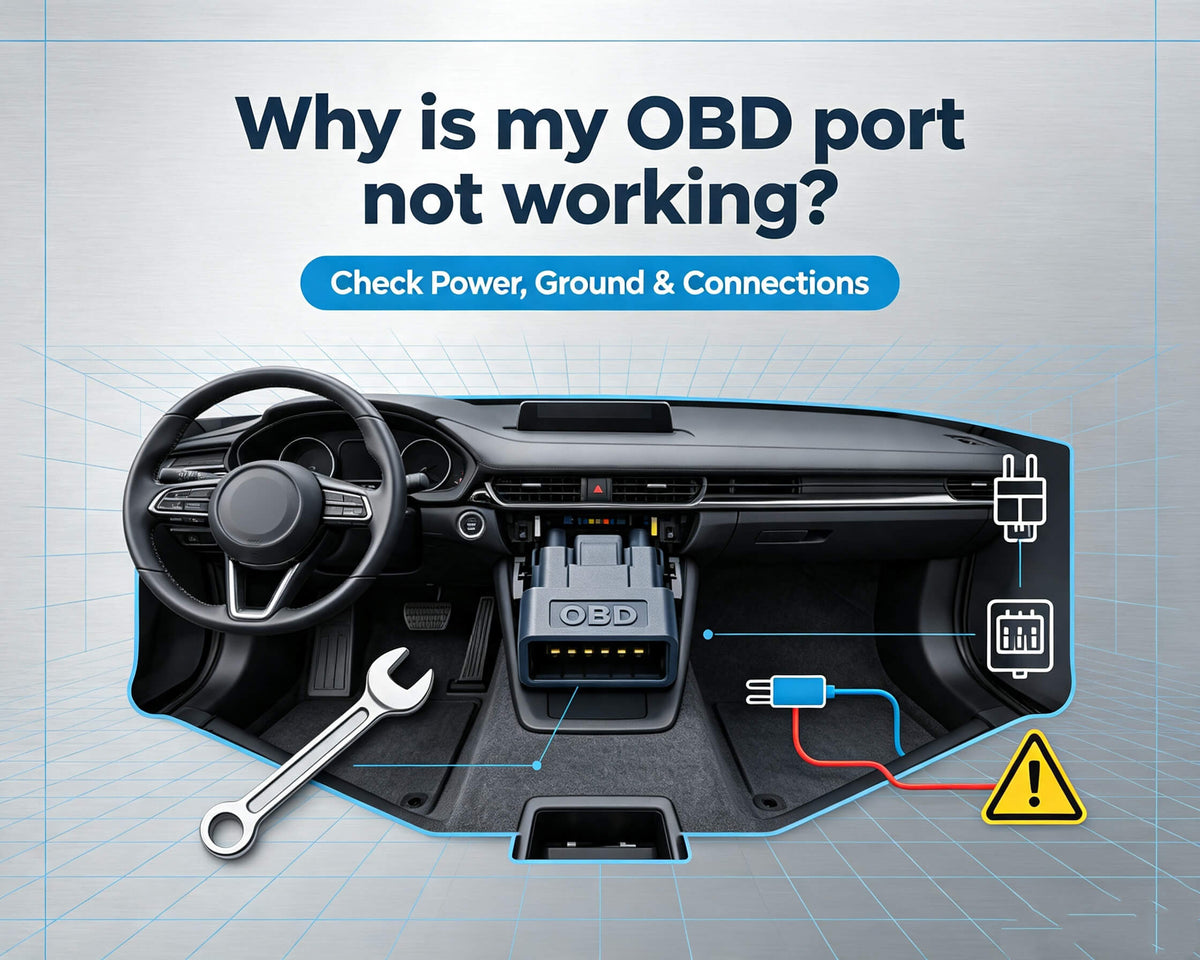
Find common reasons why your OBD port may not work and how to troubleshoot connection problems.
Backed by reliable support, flexible returns, and long-term protection.
Keep your diagnostic software updated with the latest vehicle coverage and features at no extra cost.
Try DS600 with confidence. Return within 30 days if it does not meet your expectations.
Enjoy extended protection and reliable customer support throughout your ownership.
Professional diagnostic tools designed for DIY drivers and automotive enthusiasts.
