



OBD Port Not Working? Reasons Why and How to Fix It Fast
|
|
Time to read 6 min
|
|
Time to read 6 min
If your OBD port is not working, it can be frustrating—especially when you’re trying to diagnose a problem with your car. Whether your scanner won’t power on, fails to connect, or doesn’t read any data, this is a common issue many drivers face.
The good news? In most cases, it’s something simple and easy to fix.
If your OBD port is not working, one of the most common causes is a blown fuse—often the same one used by the cigarette lighter or accessory outlet.
If it still doesn’t work, continue with the full troubleshooting steps below.
The OBD (On-Board Diagnostics) port is a standardized connector in your vehicle that allows you to communicate with the car’s internal computer.
Using an OBD scanner, you can:
👉 If you want to understand better how OBD works, check out this guide: What Does OBD Stand For?
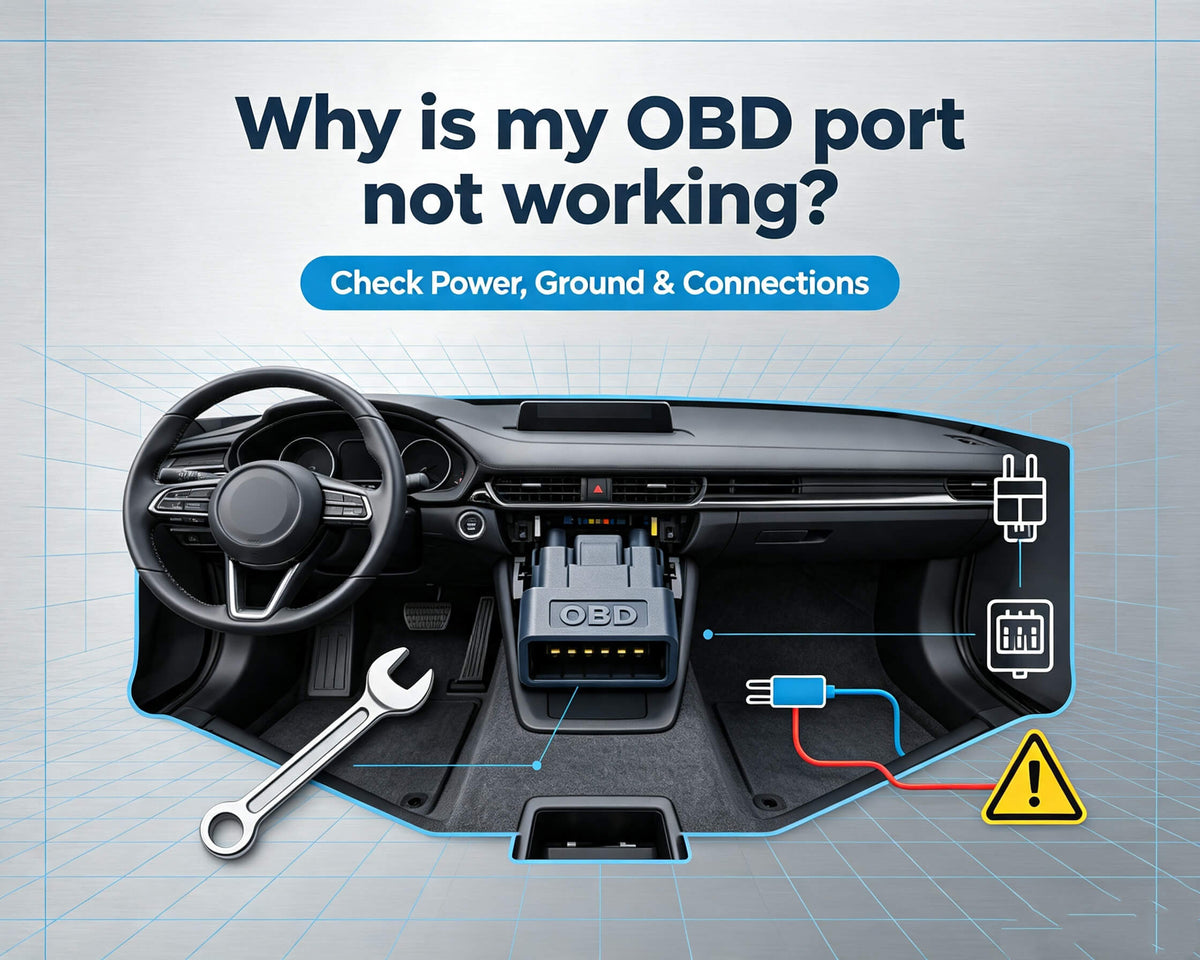
In most vehicles, the OBD port is located inside the cabin, usually on the driver’s side.
Common locations include:
The exact location may vary depending on the vehicle make and model, but it is typically within easy reach of the driver’s seat.
Before diving into detailed explanations, here’s a quick overview of common symptoms and what might be causing them:
| Issue | Description | Common Signs |
| Blown Fuse (Most Common) | The OBD port often shares a fuse with the cigarette lighter or accessory outlet. If the fuse blows, the port loses power. | - Scanner won’t power on- No lights or response |
| No Power to the OBD Port | The port is not receiving electrical power due to system issues. | - Scanner does not turn on- No communication with vehicle |
| Damaged or Loose OBD Port | Physical damage or wear can prevent proper connection. | - Bent or missing pins- Loose connection- Dirt or debris inside port |
| Faulty Wiring | Internal wiring behind the dashboard may be damaged or disconnected. | - Intermittent connection- No response from scanner |
| Scanner Compatibility Issues | Some scanners may not support your vehicle’s protocol or system. | - Fails to connect- Reads incomplete data- Frequent disconnections |
Follow these steps to troubleshoot and fix the issue:
This helps determine whether the issue is:
Some vehicles require the ignition to be in the “ON” position (engine off) for the OBD port to work.
A weak or dead battery can prevent the OBD system from functioning properly.
If basic fixes don’t solve the issue, you can try these advanced steps:
These steps may require some technical knowledge. If you’re unsure, it’s best to consult a professional.
If your scanner:
👉 The problem may be your device.
A low-quality scanner can cause:
Choosing a reliable OBD scanner can make diagnosing vehicle issues much easier.
👉 Explore more options in this OBD scanner collection.
👉 Check out this DS200 OBD2 scanner for reliable performance.
A high-quality scanner ensures stable connections, accurate readings, and a smoother diagnostic experience.
Most vehicles manufactured after 1996 in the United States support the OBD-II standard. However, compatibility can still vary depending on:
Always make sure your scanner supports your specific vehicle.
Not always.
Most of the time:
If you’ve tried all the steps above and your OBD port is still not working, it may indicate:
In these cases, it’s best to consult a professional mechanic.
To avoid problems with your OBD port in the future:
Simple maintenance can help ensure stable connections and accurate diagnostics.
Q1. Why is my OBD scanner not connecting to my car?
This is usually caused by a blown fuse, lack of power to the OBD port, or compatibility issues with the scanner. In some cases, a faulty scanner may also fail to establish a connection. Try testing with another scanner to isolate the issue.
Q2. Why does my OBD port have no power?
A lack of power is most commonly due to a blown fuse. The OBD port often shares a fuse with other components like the cigarette lighter or accessory power outlet. Electrical wiring issues or a weak car battery can also prevent the port from receiving power.
Q3. Can a bad battery affect the OBD port?
Yes. If your car battery is weak or nearly dead, it may not provide enough voltage for the OBD system to function properly. In this case, your scanner may fail to power on or connect to the vehicle.
Q4. Is it safe to fix an OBD port yourself?
Basic troubleshooting steps—such as checking fuses, inspecting the port, or cleaning connectors—are generally safe for most users. However, if the issue involves wiring or internal electrical systems, it’s best to consult a professional mechanic.
Q5. Will an OBD scanner work on all cars?
Most vehicles manufactured after 1996 support the OBD-II standard. However, compatibility can still vary depending on the vehicle model and the scanner’s capabilities. Always ensure your scanner supports your specific car brand and protocol.
Q6. How do I know if my OBD port is faulty?
Common signs of a faulty OBD port include:
If multiple scanners fail to connect, the issue is likely with the vehicle rather than the device.
Q7. How do I reset OBD error codes?
You can reset diagnostic trouble codes (DTCs) using an OBD scanner. Simply connect the scanner to the OBD port, turn the ignition to the ON position, and use the “Erase Codes” or “Clear DTCs” function. Note that the codes may reappear if the underlying issue is not resolved.
If your OBD port is not working, don’t panic.In most cases, the issue is simple—like a blown fuse, low battery, or loose connection.
By following this guide, you can quickly identify and fix the problem yourself.
👉 And if your scanner is the issue, upgrading to a reliable device can save you time, frustration, and misdiagnosis in the future.